SmartCropper
Smart Crop, Perfect Every Shot
Free Online Image Editor
Crop, resize, compress, and upscale your images with practical online tools. Free to use, no signup required.
Six Core Features
One-stop image processing tools for common editing needs
Smart Image Compression
Intelligent compression algorithms significantly reduce file size while maintaining visual quality. Multiple compression levels for different use cases.
Precise Circle Cropping
One-click perfect circular avatars with precise position and size adjustment. Designed for social media, first choice for Instagram and WeChat avatars.
Smart Square Cropping
Intelligent square cropping tool, perfectly adapted for Instagram and e-commerce product images. Supports custom dimensions, one-click professional square images.
Custom Shape Cropping
Support rectangle, circle, ellipse, polygon and other shape cropping. Precise control of position and size, perfect for creative design.
Custom Scaling
Precise image dimension control for scaling down images from 0.1x to 1x with browser-based processing.
Image Upscaler
Upscale images 2x-4x with server-side high-quality resampling, sharpening, and JPEG output. Results depend on the source image quality.
Why Choose SmartCropper?
Fast, Practical Processing
Common browser-local tools respond quickly, while the Image Upscaler uses server-side processing for larger resize work.
Browser-Based Processing
Core editing tasks run in your browser so you can handle common image changes locally on your device.
Professional-Grade Quality
High-quality resizing, cropping, compression, and sharpening for everyday image workflows. Output quality depends on the source image.
Perfect for Every Use Case
From social media to professional projects, SmartCropper has you covered
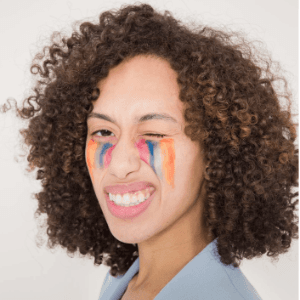
Social Media
Perfect profile pictures and posts
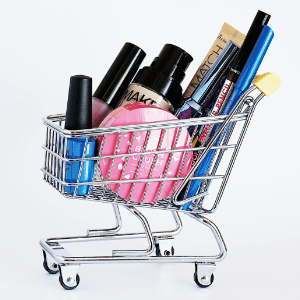
E-commerce
Product photos and thumbnails
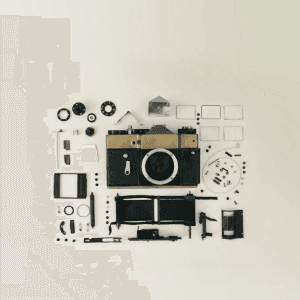
Design Work
Professional image editing

Quick Fixes
Fast image adjustments
How It Works
Professional image editing in three simple steps
Upload Image
Drag and drop or click to upload your image. We support all popular formats including PNG, JPG, and WebP.
Choose Tool
Select a tool. Adjust settings like size, position, and quality to get the right result.
Download Results
Get your processed image instantly. Download in multiple formats optimized for your specific use case.
Frequently Asked Questions
Everything you need to know about SmartCropper tools
Are the tools really free?
Yes! All our basic tools are completely free with no hidden costs. No signup required, no watermarks, and no usage limits.
What image formats are supported?
We support all popular image formats including PNG, JPG, JPEG, WebP, and GIF. Maximum file size is 50MB.
Is my data secure?
Browser-local tools process images on your device when possible. Image Upscaler sends the selected image to the SmartCropper server for processing.
How good is the Image Upscaler quality?
The Image Upscaler uses high-quality server-side resampling, sharpening, and JPEG compression. It can enlarge images, but it cannot recover detail missing from the original.
Can I use this for commercial projects?
Yes! You can use SmartCropper for both personal and commercial projects. The processed images are yours to use however you like.
Do you offer batch processing?
Currently, our tools process one image at a time for optimal quality. Batch processing features are in development and coming soon.