SmartCropper / Field notes
Good images.
Thoughtful edits.
Small, practical lessons for better crops, lighter files, and images that feel at home wherever you publish.
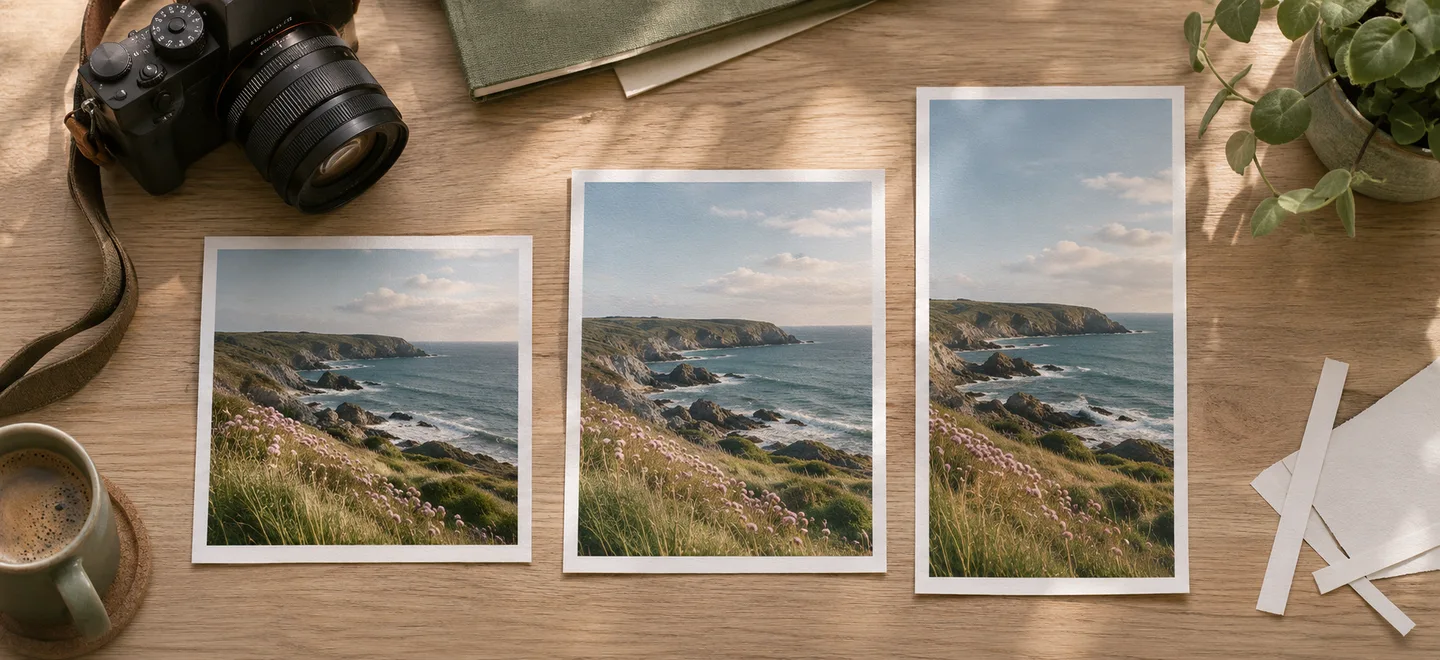
Social Media Image Size Guide
A practical checklist for preparing square, portrait, landscape, story, cover, and profile images before publishing on social platforms.
Explore the guideThe reading room
8 practical guides
02 / Upscaling
Image Upscaler Limits and Best Practices
Understand what SmartCropper Image Upscaler currently does, when it helps, and when the source image limits the result.
Read guide
03 / Tutorials
Circle Profile Picture Crop Guide
Prepare a clean round avatar by positioning the face or subject clearly inside a circular crop preview.
Read guide
04 / Optimization
Image Compression Guide for Smaller Files
Learn how to reduce image file size while checking the visual tradeoffs before downloading the final image.
Read guide
05 / E-commerce
Product Photo Cropping Tips
Use consistent crops, clear margins, and predictable output sizes when preparing product images for listings or catalogs.
Read guide
06 / Technical
JPEG, PNG, and WebP Format Guide
Choose a practical image format based on transparency needs, photo content, browser support, and file size constraints.
Read guide
07 / Mobile
Mobile Photo Editing Workflow
A simple browser-based workflow for cropping, resizing, and compressing images from a phone or tablet.
Read guide
08 / SEO
Image SEO Basics for Website Owners
Prepare images with descriptive filenames, useful alt text, reasonable dimensions, and compression before publishing.
Read guide