SEO / Practical guide
Image SEO Basics for Website Owners
Prepare images with descriptive filenames, useful alt text, reasonable dimensions, and compression before publishing.
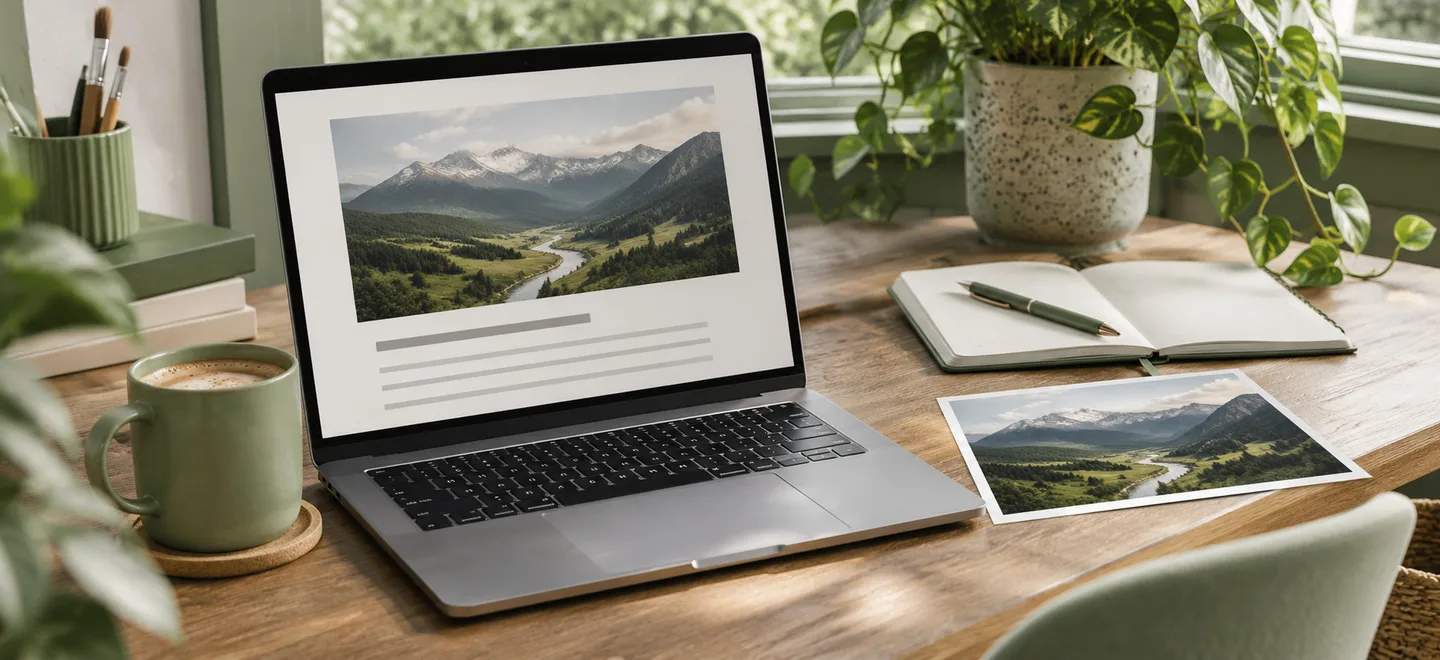
Image SEO starts with making images useful to people. Search systems can use surrounding text, filenames, alt text, structured data, and page relevance, but none of that replaces a clear and helpful image.
Before publishing
- Use descriptive filenames.
- Write alt text that explains the image when needed.
- Resize images to reasonable display dimensions.
- Compress files to reduce unnecessary weight.
- Keep decorative images out of the main content path when they do not add meaning.
01Describe
Choose a useful filename and alt text.
02Optimize
Match display dimensions and reduce file weight.
03Publish
Place the image beside relevant content.
SmartCropper workflow
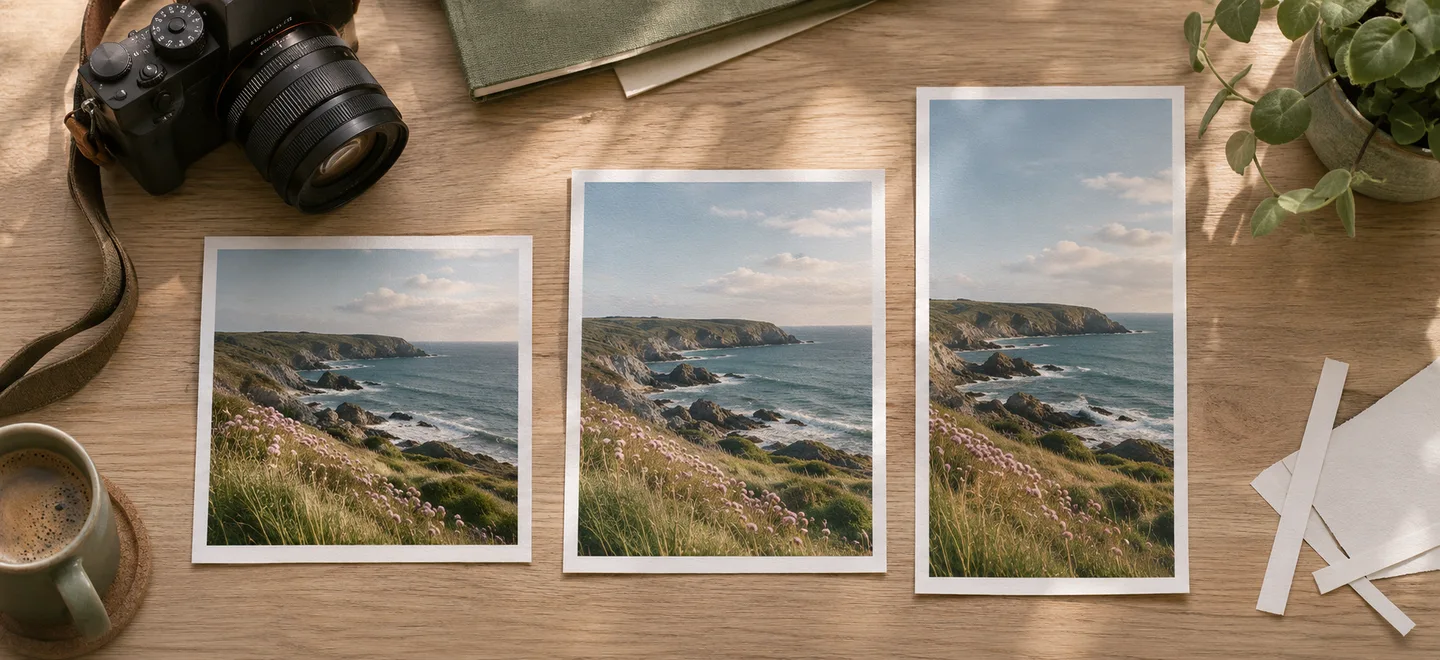
Crop the subject clearly, resize to the intended display area, compress the final asset, then add the image to a page with relevant surrounding text.